Punch Clock Mobile App
Installation & Login
Add a header to begin generating the table of contents
Apple (iOS)
- Open the App Store
- Search for LiquidEMR Punch Clock > tap Get

Android (Samsung, Google, Motorola, etc.)
- Open the Play Store
- Search for LiquidEMR Punch Clock > tap Install
How to Login
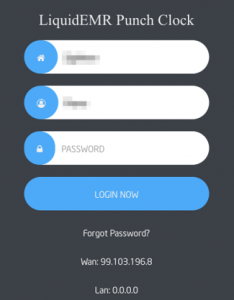
- Open app and fill areas: Clinic, Username, Password > login
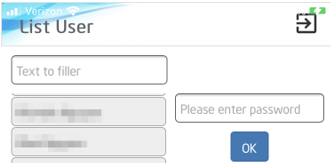
- Search name in Text Filler or scroll down to select correct username > enter password > click OK
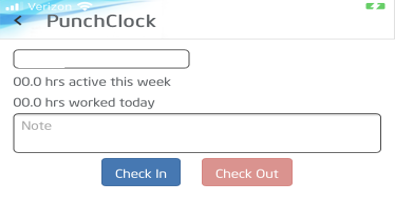
- Enter note if necessary > select Clock In or Clock Out > click Done